To hire a good WordPress developer on Upwork, write a specific job post, shortlist freelancers with a strong Job Success Score and relevant reviews, ask two or three technical questions, start with a small paid milestone, and share site access safely. Judge the conversation as much as the profile: the right developer asks clear questions before quoting.
I have worked on Upwork since 2014 — 112 jobs, 6,100+ hours, Top Rated Plus and a 100% Job Success Score — and many of my clients have hired me again and again for years. This guide is what I would tell a friend who is about to hire their first WordPress developer, written from the other side of the table.
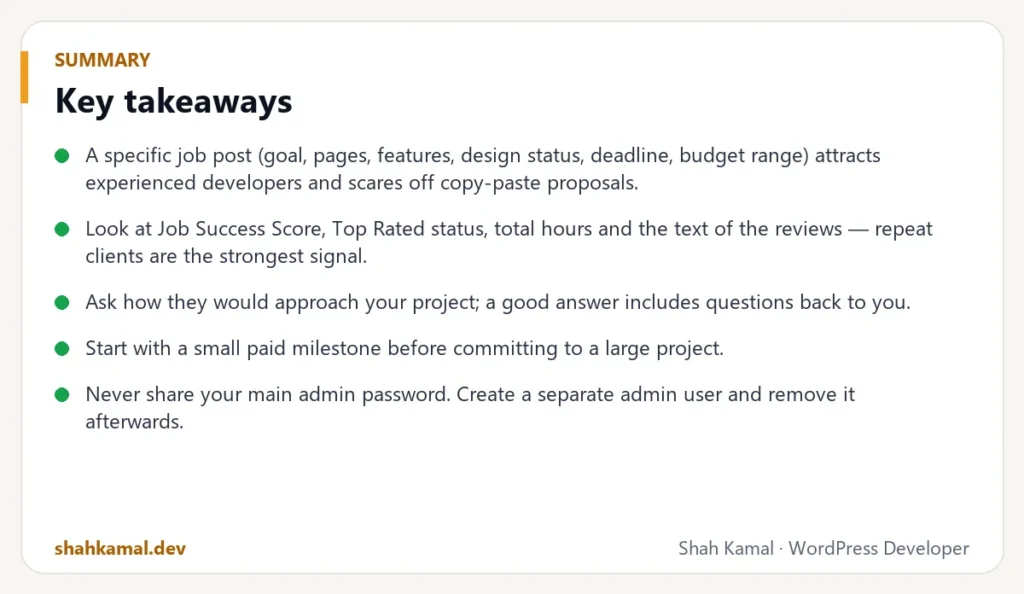
Key takeaways
- A specific job post (goal, pages, features, design status, deadline, budget range) attracts experienced developers and scares off copy-paste proposals.
- Look at Job Success Score, Top Rated status, total hours and the text of the reviews — repeat clients are the strongest signal.
- Ask how they would approach your project; a good answer includes questions back to you.
- Start with a small paid milestone before committing to a large project.
- Never share your main admin password. Create a separate admin user and remove it afterwards.
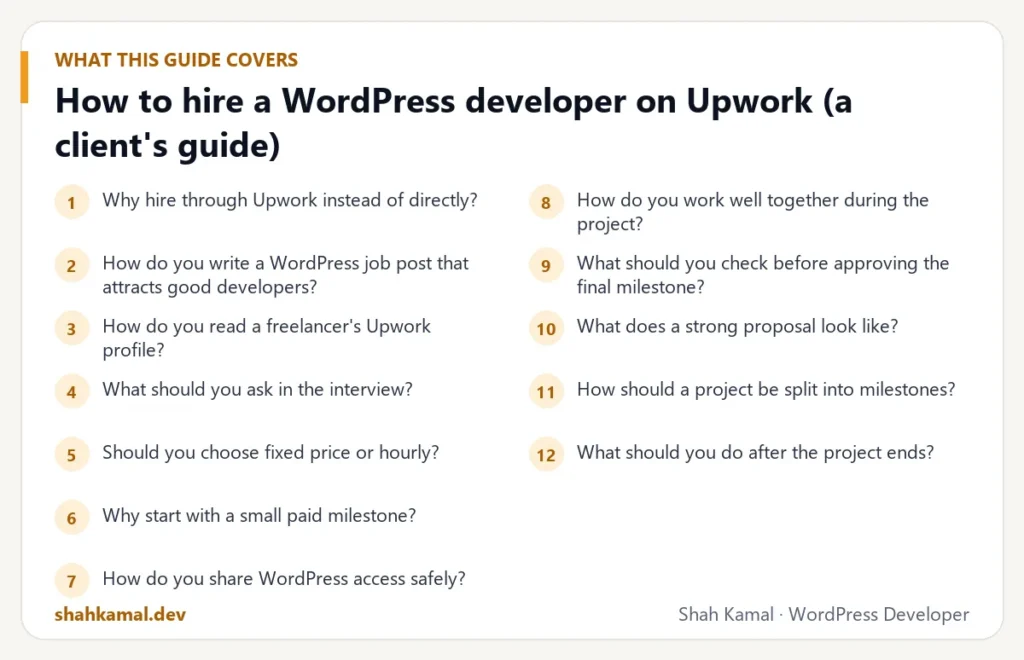
Why hire through Upwork instead of directly?
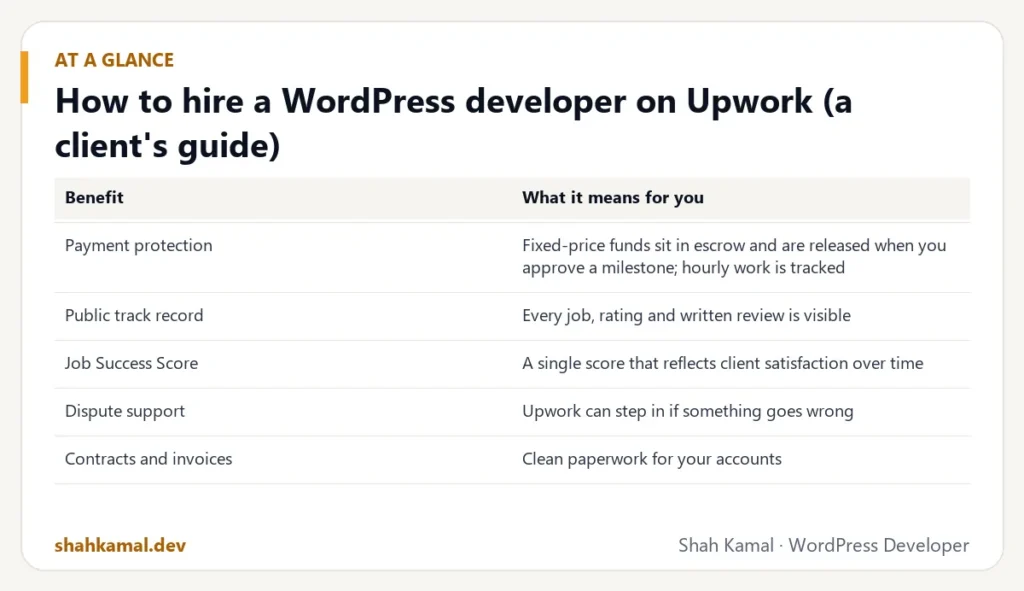
Upwork is not the only place to find WordPress developers, but it removes several risks for clients:
| Benefit | What it means for you |
|---|---|
| Payment protection | Fixed-price funds sit in escrow and are released when you approve a milestone; hourly work is tracked |
| Public track record | Every job, rating and written review is visible |
| Job Success Score | A single score that reflects client satisfaction over time |
| Dispute support | Upwork can step in if something goes wrong |
| Contracts and invoices | Clean paperwork for your accounts |
Many long-term clients later work with their developer directly. For the first project, Upwork’s protection is worth the fee.
How do you write a WordPress job post that attracts good developers?
Experienced developers receive many invitations. They answer posts that are clear, realistic and specific. Include:
- The goal: “A new website that brings us quote requests from homeowners” beats “Need WordPress site”.
- The scope: pages or templates, and any special features (booking, store, member area, multi-language).
- Design status: finished Figma file, a reference site, or “design needed”.
- Current situation: new site, redesign, or fixing an existing site — with the URL if it exists.
- Technical preferences: custom theme or page builder, hosting, plugins you must keep.
- Deadline and budget range.
- Two screening questions (examples below).
A budget range does not make you overpay. It lets developers propose the right solution for your budget instead of guessing — and it filters out proposals that are not serious.
Good screening questions
- “How would you build the services section so we can add new services ourselves?”
- “What would you check first to make our current site faster?”
- “Have you built something similar? Please share a link and what you did on it.”
These questions are hard to answer with a template. The answers tell you more than any portfolio.
How do you read a freelancer’s Upwork profile?
Job Success Score and badges
The Job Success Score (JSS) reflects how satisfied clients are, including private feedback. Above 90% is strong; 100% over many jobs is excellent. Top Rated and Top Rated Plus badges are given to freelancers with a consistently high JSS, steady activity and, for Top Rated Plus, significant work with larger clients.
Hours and number of jobs
A freelancer with 3,000+ hours has handled many real-world problems: plugin conflicts, server issues, urgent fixes before a launch. Hours tell you about experience; jobs tell you about variety.
The text of the reviews
Ratings are mostly 5 stars on good profiles, so read the words. Look for:
- Repeat clients: “We keep coming back…” is the strongest signal you can find.
- Communication: reliability, clear updates, responsiveness.
- Work similar to yours: themes from design, WooCommerce, speed, migrations.
- Long contract durations: clients who stay for years trust the freelancer.
Portfolio and specialisation
A profile that says “WordPress, Shopify, Webflow, Python, mobile apps, logo design” may be a generalist. For a serious WordPress project, prefer someone whose profile, portfolio and reviews are clearly WordPress-focused.
What should you ask in the interview?
A short call or chat is enough. Ask:
- “How would you approach this project?” Listen for questions about your goals, content, hosting and who will edit the site.
- “Custom theme or page builder — which would you recommend for us, and why?” A good developer explains trade-offs instead of selling one answer.
- “How do you handle updates, backups and security?”
- “What will you need from us, and when?”
- “What happens after launch if something breaks?”
Red flags:
- A price before understanding the scope.
- Promises like “100 on PageSpeed guaranteed” or “first page of Google in a week”.
- No questions at all.
- Asking for your main admin password or hosting login on day one, by chat.
Should you choose fixed price or hourly?
| Fixed price | Hourly | |
|---|---|---|
| Best for | Clearly defined projects (a new site from a finished design) | Ongoing work, fixes, unclear scope |
| Your risk | Low — you know the total | Higher — total depends on hours |
| Flexibility | Changes need a new milestone | Easy to change direction |
| Payment protection | Escrow per milestone | Work diary and weekly limits |
A common pattern: fixed price for the build, hourly for maintenance after launch. Set a weekly hour limit on hourly contracts so the budget stays under control.
Why start with a small paid milestone?
Before a large project, start with something small and real: fix a bug, build one section, or audit your site’s speed and send a report. In a few days you learn:
- How they communicate and how quickly they reply
- Whether they meet deadlines
- The quality of the code and the explanations
It costs a little and can save you a failed project.
How do you share WordPress access safely?
- Create a new administrator user for the developer. Do not share your own login.
- Use a staging site for big changes when possible.
- Take a backup before work starts (or ask the developer to).
- Share hosting or server access only when needed, preferably with a separate account or SSH key.
- Send passwords with a password manager’s share feature, not plain chat messages.
- Remove the user when the project ends.
How do you work well together during the project?
- Give one point of contact and consolidated feedback, not five separate email threads.
- Deliver content early. Waiting for text and images is the top reason projects slip.
- Review on real devices, especially your own phone.
- Write feedback specifically: “Make the service cards stack on mobile” is easier to act on than “the services section looks off”.
- Approve milestones promptly when the work is done; it builds trust.
What should you check before approving the final milestone?
- All pages and features in the scope work on desktop, tablet and phone.
- Forms send email to the right inbox.
- The site passes a speed test on your key pages.
- SEO basics: titles, meta descriptions, sitemap, no “discourage search engines” left switched on.
- You know how to edit the content (a short video or guide).
- Backups and updates are planned.
- You have all logins, licences and files.
What does a strong proposal look like?
When you post a job, you will get proposals. The best ones share a pattern:
- They refer to your project specifically, not “Dear hiring manager, I have read your job”.
- They answer your screening questions directly and briefly.
- They ask one or two smart questions — about your hosting, content, editors or deadline.
- They show relevant work, with a sentence about what they did on it.
- They suggest a next step, such as a short call or a small first milestone.
Long proposals full of every technology the freelancer has ever touched usually mean the opposite of expertise.
How should a project be split into milestones?
For fixed-price projects, milestones protect both sides. A typical split for a custom WordPress site:
| Milestone | What you approve | Share of budget |
|---|---|---|
| 1. Setup and first template | Theme base, header, footer and the home page on staging | 20–30% |
| 2. Remaining templates and blocks | All page types built and responsive | 30–40% |
| 3. Content, features and integrations | Forms, integrations, content entered | 20–30% |
| 4. Launch and handover | Live site, speed and SEO checks, training | 10–20% |
Each milestone ends with something you can see and test. You never pay for work you have not seen.
What should you do after the project ends?
- Leave honest feedback. It helps good freelancers and future clients.
- Keep the relationship. A developer who built your site is the fastest person to change it later.
- Agree on maintenance — monthly updates and backups, or an hourly contract for changes.
- Store all logins and licences in your own password manager.
- Remove access the developer no longer needs, and ask them to do the same on their side.
What are the most common hiring mistakes?
- Choosing only on price. The cheapest proposal is often the most expensive project.
- A vague job post. Vague posts get vague quotes and surprises later.
- No small test. A tiny paid milestone reveals communication style quickly.
- Too many decision-makers. Conflicting feedback slows everything down.
- No plan for after launch. Sites need updates; plan who does them.
- Sharing your own admin password. Always create a separate account.
FAQ
Frequently asked questions
How much does it cost to hire a WordPress developer on Upwork?
Experienced WordPress developers typically charge $25–$80 per hour on Upwork. Fixed-price projects for custom business sites often range from about $1,500 to $6,000, depending on scope and design.
What is a good Job Success Score?
Above 90% is strong. A score of 100% across many jobs and thousands of hours shows consistently satisfied clients.
What is the difference between Top Rated and Top Rated Plus?
Both require a high Job Success Score and consistent work. Top Rated Plus is given to Top Rated freelancers who also have a strong record with larger, long-term contracts.
Can I work with the same developer after the project?
Yes. Many clients keep the same developer for updates, new features and maintenance on an hourly contract, often for years.
Should I hire a WordPress agency instead?
Choose an agency if you need a full team — strategy, copywriting, design and marketing — at once. Choose an experienced freelancer if you want to work directly with the developer, move quickly and keep costs reasonable.
If you are looking for an experienced WordPress developer, you can see my reviews and hire me on Upwork, or send me your project details first.
Planning a project?
Invite me to your job or hire me on Upwork, and we can talk it through there. I usually reply within a few hours.
Hire me on Upwork